
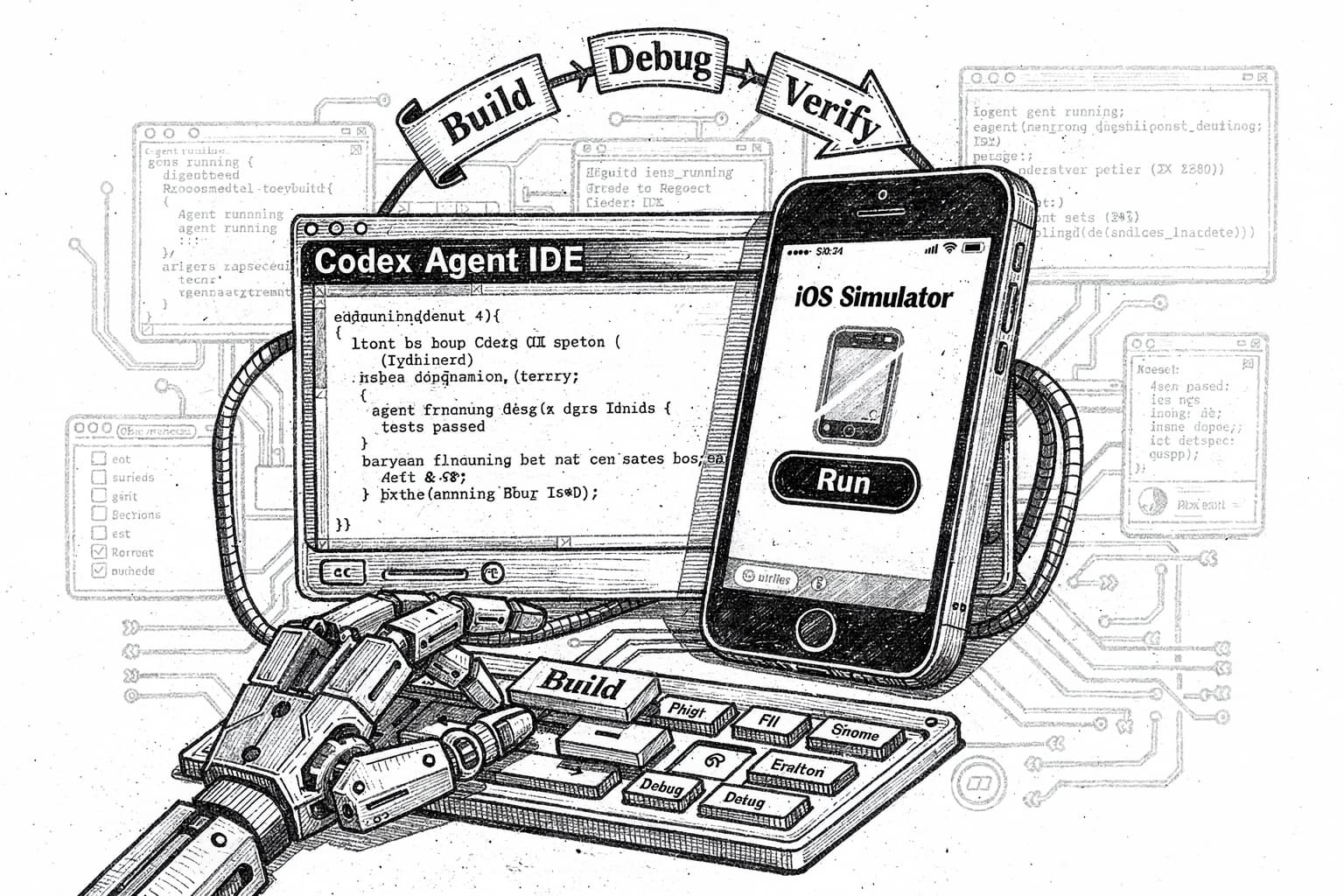
Codex Is Turning Into a Full Agentic IDE With iOS Simulator Control
OpenAI's Codex can now scaffold iPhone apps, drive the iOS Simulator, and close the build-debug-verify loop without ever opening Xcode.
Codex is quietly shedding its skin. What started as a terminal tool and a cloud coding agent is now behaving like a proper IDE, one that can drive the iOS Simulator, inspect view hierarchies, attach a debugger, and iterate on builds on its own.
The latest signal came from a demo developer Evan Bacon shared and Greg Brockman amplified, where Codex Desktop built an iPhone app alongside an iOS simulator, running autonomous code generation, execution, and UI testing in one loop. For anyone who writes Swift for a living, this is the interesting part of the Codex story right now.
What Codex Actually Is Now
Codex is no longer a single surface. OpenAI unified it into one product connected through a ChatGPT account, and it now works in the terminal, IDE, web, GitHub, and the ChatGPT iOS app. The desktop app is the piece most developers missed. It's pitched as a command center for agentic coding, with built-in worktrees and cloud environments so agents can run in parallel across projects.
Under the hood, the model doing the work is GPT‑5‑Codex. It's a version of GPT‑5 optimized for agentic coding, trained for both quick interactive sessions and long independent tasks.
How the iOS Simulator Loop Works
The iOS piece runs on top of XcodeBuildMCP, an MCP server that exposes Simulator control to Codex. Its iOS debugger workflow is built around XcodeBuildMCP, which means Codex can interact with a booted simulator and gather the same evidence a human would collect by hand, owning the full reproduce-debug-verify loop.
The capability groups it can actually drive:
- Build the active app target, install and launch the simulator build, and resolve the app bundle id for runtime logs
- Read the on-screen accessibility hierarchy, screenshot, tap, type, scroll, and swipe
- Stream simulator logs, attach LLDB, set breakpoints, and inspect stack frames
One practical tip from OpenAI's own docs: ask Codex to inspect the view tree before it taps, since XcodeBuildMCP exposes the accessibility hierarchy plus coordinates so Codex can prefer stable labels instead of guessing screen positions.
Why CLI-First Still Matters
For greenfield SwiftUI work, the recommendation is still to stay out of the Xcode GUI. Apple's xcodebuild handles build, test, archive, and test-without-building from the terminal, which lets Codex stay in an agentic loop instead of bouncing into Xcode. XcodeBuildMCP comes in once you're inside a full Xcode project and need schemes, targets, simulator control, screenshots, logs, and UI interaction.
Where This Fits in the Broader Picture
The Codex IDE extension already covers VS Code and Cursor, and it lets you move work between cloud and local, create and track cloud tasks, and open them in your IDE without losing context. Adding a real simulator loop means Codex is no longer just editing files. It's driving the whole toolchain Apple developers use.
Final Thoughts
The piece that actually matters here isn't the demo. It's that XcodeBuildMCP gives Codex the accessibility tree, not just pixels, which is the difference between an agent that flails at a screen and one that reasons about UI. That's a real design choice, and it's the reason this loop can plausibly verify its own fixes.
Open question for me: how well does this hold up on a large existing Xcode project with custom schemes, signing, and flaky UI tests? The greenfield demos look clean. Production iOS codebases rarely are.
If you've tried driving the Simulator from Codex on a real app, I want to hear how it went. Drop your setup in the comments.