Anthropic just made Claude Code a lot more hands-off. The team shipped a native /loop command that lets you schedule any prompt to fire automatically on a recurring interval inside your active session. No bash scripts. No third-party schedulers. One line of text and your AI coding agent keeps watching while you focus elsewhere.
The announcement pulled 12K likes and 3.2M views on social media, signaling that the developer community had been waiting for exactly this kind of primitive. That kind of traction makes sense. Polling deployments, watching CI pipelines, and babysitting pull requests are the exact low-value tasks that eat developer attention without requiring developer judgment.
Claude Code is an AI-powered coding assistant that understands your entire codebase and can work across multiple files and tools to get things done. The /loop command extends that capability into the time dimension. Instead of asking Claude something once and moving on, you can now ask it to keep asking itself.
What the /loop Command Actually Does
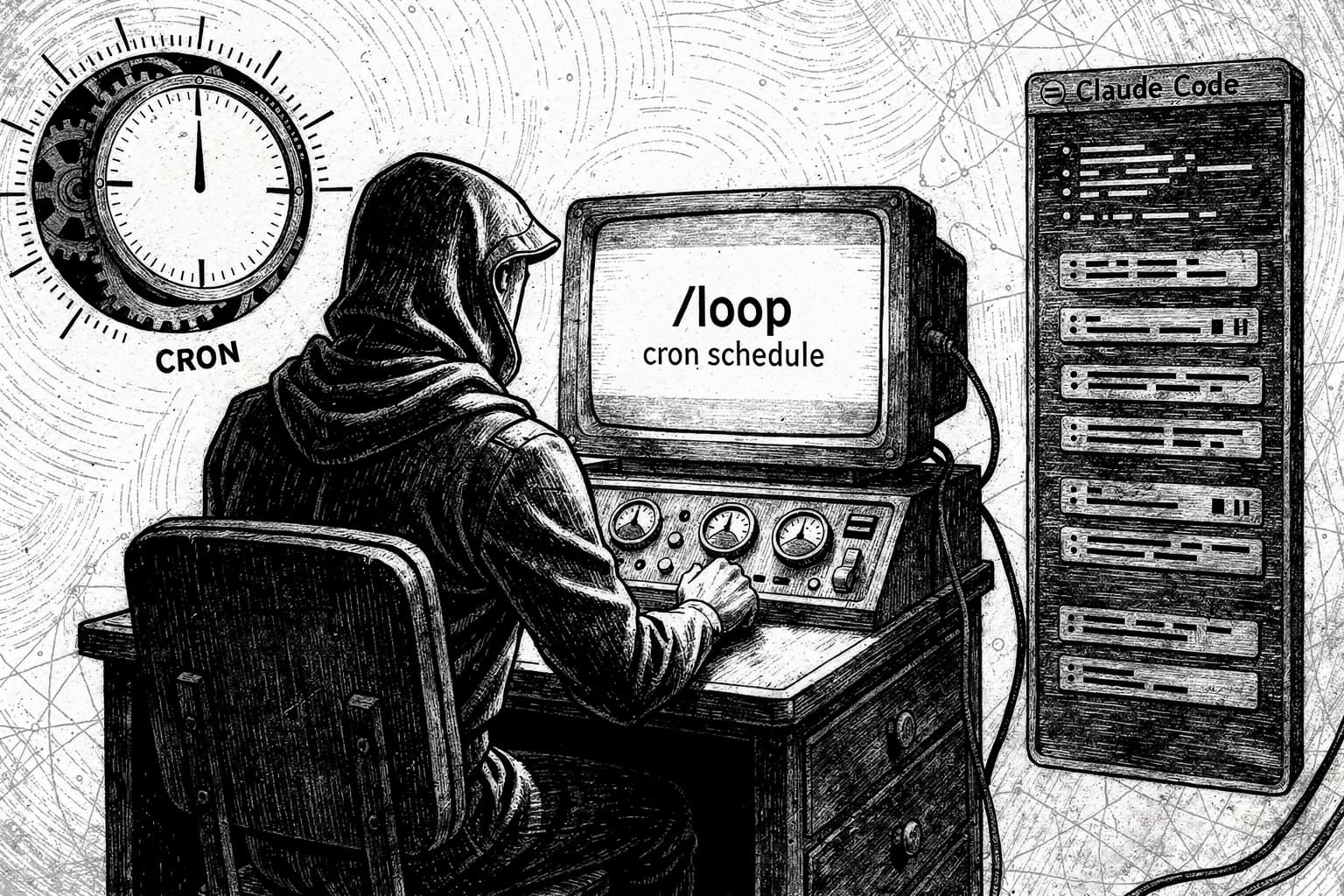
The /loop command is a session-level scheduler. You give it a prompt and a cadence, and it queues that prompt to repeat at the interval you specify without you having to reinitiate it manually each time.
Pass an optional interval and a prompt, and Claude sets up a cron job that fires in the background while the session stays open. For example: /loop 5m check if the deployment finished and tell me what happened. Claude parses the interval, converts it to a cron expression, schedules the job, and confirms the cadence and job ID.
Intervals are optional. You can lead with them, trail with them, or leave them out entirely. Supported units are s for seconds, m for minutes, h for hours, and d for days.
Natural language works too. /loop check the build every 2 hours is valid syntax. Claude handles the parsing and maps it to the right cron expression automatically.
Key Technical Highlights
A session can hold up to 50 scheduled tasks at once. The scheduler checks every second for due tasks and enqueues them at low priority. A scheduled prompt fires between your turns, not while Claude is mid-response. If Claude is busy when a task comes due, the prompt waits until the current turn ends.
A few other specifics worth knowing:
- Every task created with
/loopexpires after three days. This is a deliberate safety feature to prevent forgotten tasks from making API calls indefinitely. - If a task's scheduled time passes while Claude is busy on a long-running request, it fires once when Claude becomes idle, not once per missed interval. So if you have a 5-minute loop and Claude spends 20 minutes on a heavy refactor, you get one fire after it finishes, not four.
- To avoid many instances executing at exactly the same second, a small deterministic offset is added to each task's firing time. Recurring tasks can have a jitter of up to 10% of their period, capped at 15 minutes. An hourly task might fire anywhere between zero and six minutes past the hour.
- Scheduled tasks require Claude Code v2.1.72 or later.
Real-World Use Cases
Thariq Shihipar, one of Claude Code's creators, demonstrated a key pattern: checking error logs every few hours with Claude automatically generating pull requests for fixable bugs. The command looks like: /loop 3h scan the error logs in /var/log/app, identify fixable bugs, and create PRs for them.
Beyond that, the practical range is wide:
- Scheduled tasks let Claude re-run a prompt automatically on an interval. Use them to poll a deployment, babysit a PR, check back on a long-running build, or remind yourself to do something later in the session.
- Any slash command available in Claude Code can be placed inside a
/loop. Monitoring a log file during a debugging session is a common use case. - One-shot reminders work too. For one-shot reminders, describe what you want in natural language instead of using
/loop. Claude schedules a single-fire task that deletes itself after running.
/loop vs. the Ralph Wiggum Pattern
Before /loop shipped natively, the developer community had already built autonomous looping patterns for Claude Code. The most prominent was the "Ralph Wiggum" technique, later formalized as an official plugin.
Current models can suffer from agentic laziness — when asked to complete a complex, multi-part task, they can sometimes find an excuse to stop before finishing. To circumvent this, a useful orchestration pattern is the Ralph loop, which is essentially a for loop that kicks the agent back into context when it claims completion and asks if it's really done. This is useful for long-running tasks since the agent will admit the task is not up to spec and continue working until it is.
But /loop and Ralph solve different problems. Ralph Wiggum iterates toward completion — one task, many attempts, backpressure until convergence. "Migrate all tests from Jest to Vitest" is a construction crew. /loop polls on a schedule. Recurring checks, periodic monitoring, status awareness. "Check if the deploy is healthy every 5 minutes" is a security camera.
The real story is that Anthropic keeps absorbing community patterns, but each absorption refines the abstraction. Bash loop to plugin to native cron. The platform asks "what's the simplest version?" and ships that.
Session Scope and Persistence Limits
/loop tasks are session-scoped: they live in the current Claude Code process and are gone when you exit. For durable scheduling that survives restarts, use Cloud or Desktop scheduled tasks, or GitHub Actions.
Desktop scheduled tasks are persistent — they survive restarts, run on a visual schedule, and fire as long as the app is open. CLI session-scoped tasks use /loop and cron tools for quick, in-session polling that dies when you exit.
Tasks scheduled under the Code tab in the Desktop app have access to the local filesystem, suitable for tasks that read files, run scripts, or interact with the local environment. Tasks scheduled under the Cowork tab run in a sandboxed environment without local filesystem access, suited for tasks that fetch from web APIs or summarize online content.
Final Thoughts
The /loop command is a focused, well-scoped addition. It doesn't try to replicate the full Ralph Wiggum iteration model. It solves one narrower problem: recurring checks that shouldn't require a human to keep triggering them. The three-day auto-expiry and session-scoped lifetime are honest design choices, not limitations to apologize for. They keep the feature safe and predictable by default.
What I'm watching next is whether Anthropic adds a completion condition to /loop. The interesting question is whether /loop eventually absorbs Ralph's iteration model. Add a completion condition and it's Ralph with better ergonomics. Add state persistence across firings and it's the full playbook in a single command. That would be a meaningful upgrade, and the foundation is clearly there.
For now, if you're on Claude Code v2.1.72 or later, /loop is available today. Try it on your next deployment watch or PR monitor and see how much terminal context-switching it eliminates. What do you think? Drop your thoughts in the comments.
Frequently Asked Questions
What is the Claude Code /loop command?
The /loop command in Claude Code is a session-level scheduler. You give it a prompt and a cadence, and it queues that prompt to repeat at the interval you specify without you having to reinitiate it manually each time.
Does /loop persist after I close the terminal?
No. Tasks are session-scoped: they live in the current Claude Code process and are gone when you exit. For persistent scheduling, use Claude Code Desktop scheduled tasks or GitHub Actions.
How long does a /loop task run before it expires?
/loop tasks expire after three days. This is a deliberate safety feature to prevent forgotten tasks from making API calls indefinitely.
How many /loop tasks can I run at once?
A session can hold up to 50 scheduled tasks at once. For most individual workflows, that limit is more than enough.
What version of Claude Code do I need for /loop?
Scheduled tasks require Claude Code v2.1.72 or later. Check your version with claude --version.